Need a moment?
Take five.必要なときは、
5分だけ。
Temporarily unblock your selected apps for a 5-minute break. Then get back to what you came for.選んだアプリを5分間だけ一時解除。ひと息ついたら、また集中する時間に戻れます。
Your cafe. Your library. Your cue to focus.
Block distracting apps automatically when you arrive.いつものカフェも、図書館も、集中する場所に。
着いたら、選んだアプリを自動でブロック。
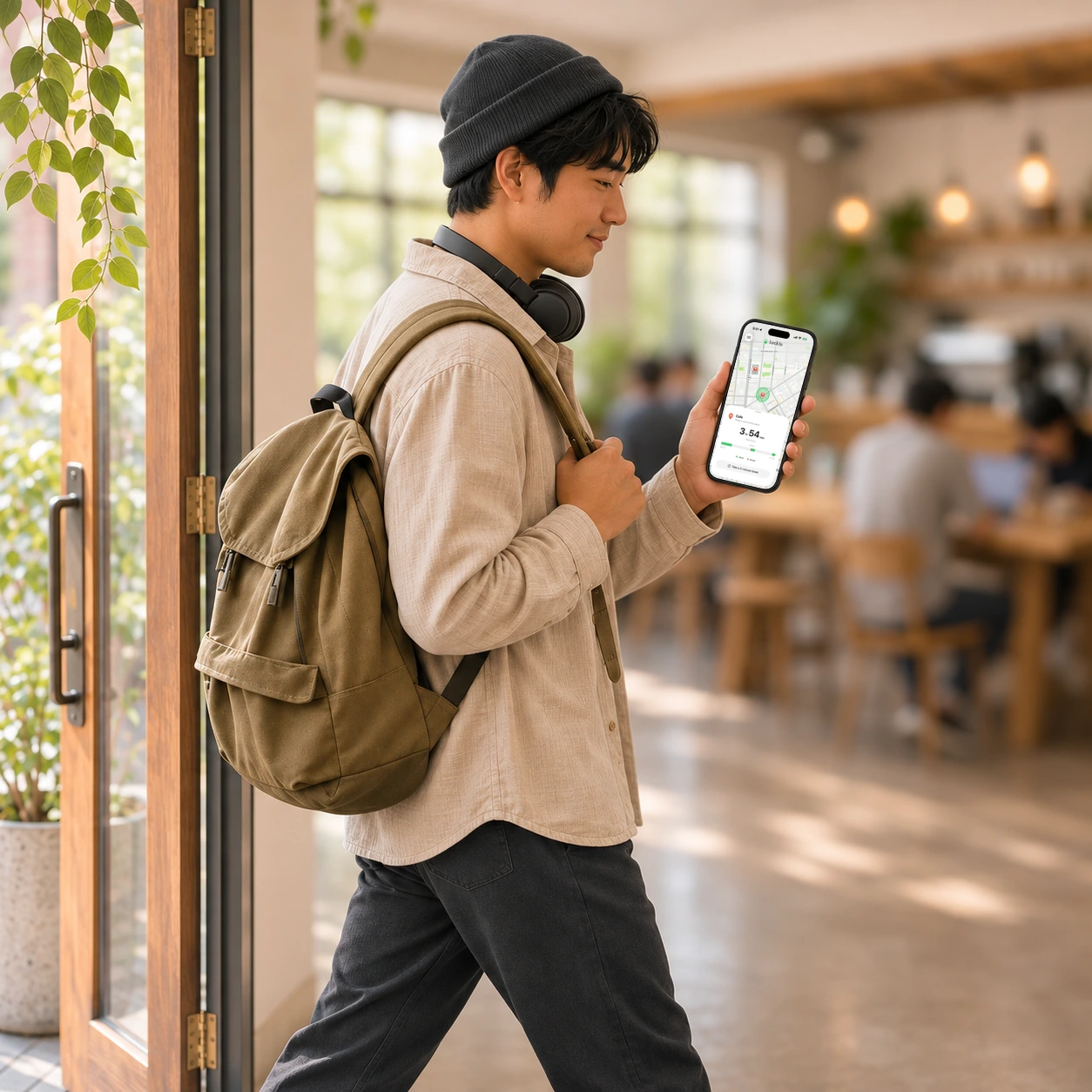
Made for your kind of focus.あなたが集中する、いつもの場所で。
Make your usual work or study spot a cue to put distractions away.いつもの作業場所を、スマホから離れるきっかけに。
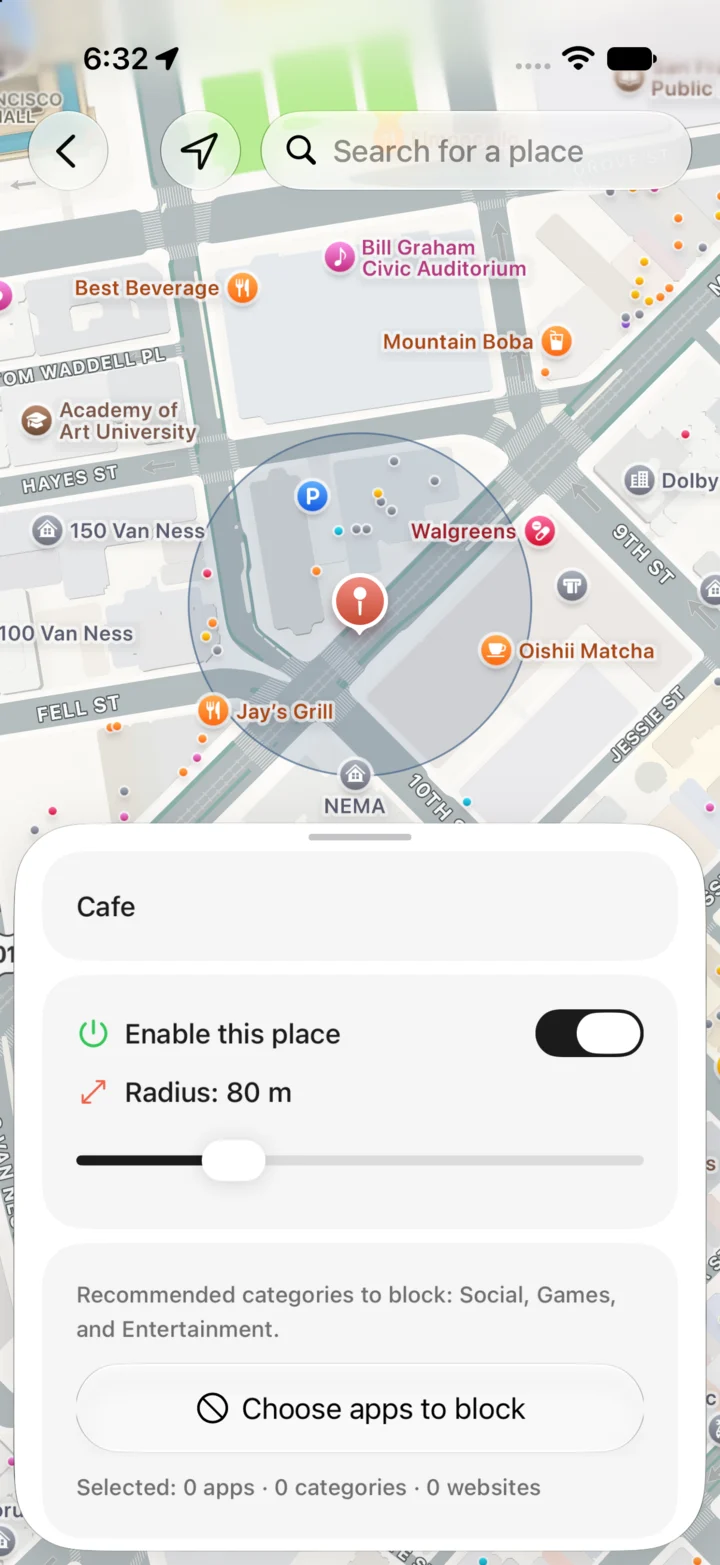
No focus timer to start every time you sit down.
Just a familiar place, with fewer phone distractions.座るたびに、タイマーを始めなくても。
いつもの場所で、スマホに気を取られない時間を。
Temporarily unblock your selected apps for a 5-minute break. Then get back to what you came for.選んだアプリを5分間だけ一時解除。ひと息ついたら、また集中する時間に戻れます。
You choose what gets blocked. Leave payment apps, maps, and other essentials off your blocklist.ブロックするアプリは、自分で選べます。決済や地図など、必要なアプリはリストに入れずに使えます。
Your blocklist. Your choice.何を閉じるかは、あなた次第。
Choose the plan that fits. Local pricing is shown in the app.月額でも、買い切りでも。お住まいの地域の価格はアプリで確認できます。


Always Location lets Lock In-Out detect your saved places, even when the app isn't open. Screen Time permission lets it block the apps you select. Both are needed for automatic blocking.アプリを開いていないときも保存した場所への出入りを検知するため、位置情報の「常に許可」が必要です。また、選んだアプリをブロックするためにスクリーンタイムの許可が必要です。
The block lifts after you leave your saved focus area, so your selected apps become available again. You don't need to end a session manually.保存した集中エリアを離れると、ブロックが解除され、選んだアプリがまた使えるようになります。手動でセッションを終える必要はありません。
Yes. Tap “Take a 5-minute break” in the app to temporarily lift the block. Blocking resumes when the break ends, or you can tap Resume to return sooner.はい。アプリの「一時解除 5分」を押すと、5分間だけ解除できます。休憩が終わるとブロックが再開し、「再開」を押せば早めに集中へ戻れます。
A place marked as Home doesn't activate blocking. Choose the cafes, libraries, and other places where you want to focus.「家」として設定した場所ではブロックを始めません。カフェや図書館など、集中したい場所を設定できます。
Saved places, focus records, and app selections stay on your iPhone. For details about feature-use analytics and purchase processing, read our privacy policy.保存した場所、集中の記録、アプリの選択はiPhoneの中に保存します。機能の利用状況や購入処理については、プライバシーポリシーをご確認ください。